FAQ · Catalog
Are product images exact for every size?
Confirmed listings use photography mapped to that Size+Color. Always confirm Size and Color on the product page; photos do not replace measuring the opening.
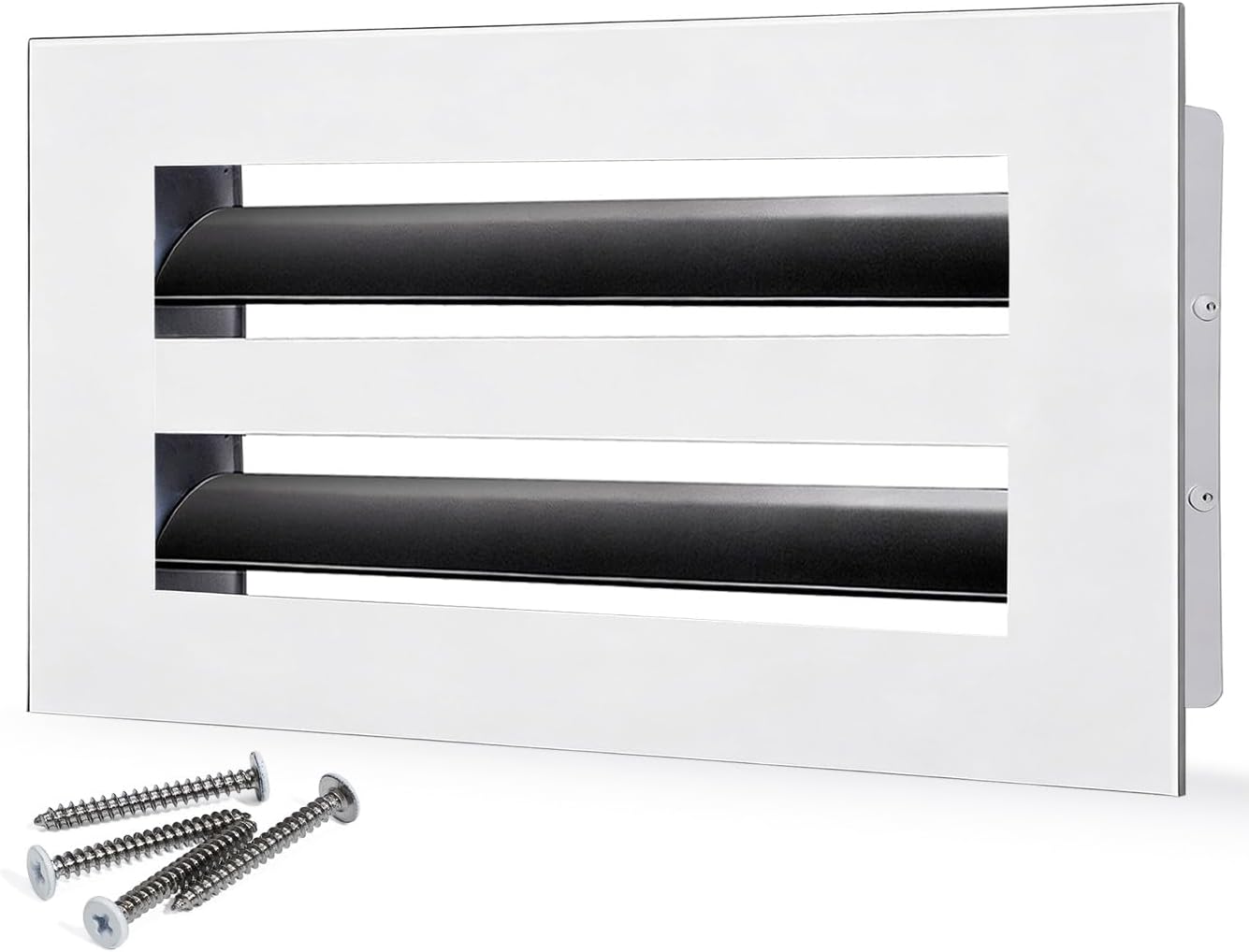
Quick Answer
Treat Confirmed photos as Size+Color-specific catalog evidence, not a substitute for a tape measure. Check the variation attributes on the page before BUY ON AMAZON.
How Images Are Mapped
For Confirmed Size+Color combinations, SOKNOCKK attaches catalog photography intended for that pair. A White listing should not be represented by a Black photo. If you change Size or Color on the product page, confirm the gallery matches the variation you selected.
How-to-Measure Modules
Confirmed product pages include size-specific How-to-Measure graphics from a verified library of unique size assets. Use them as a visual double-check after your tape reading — never as the only measurement.
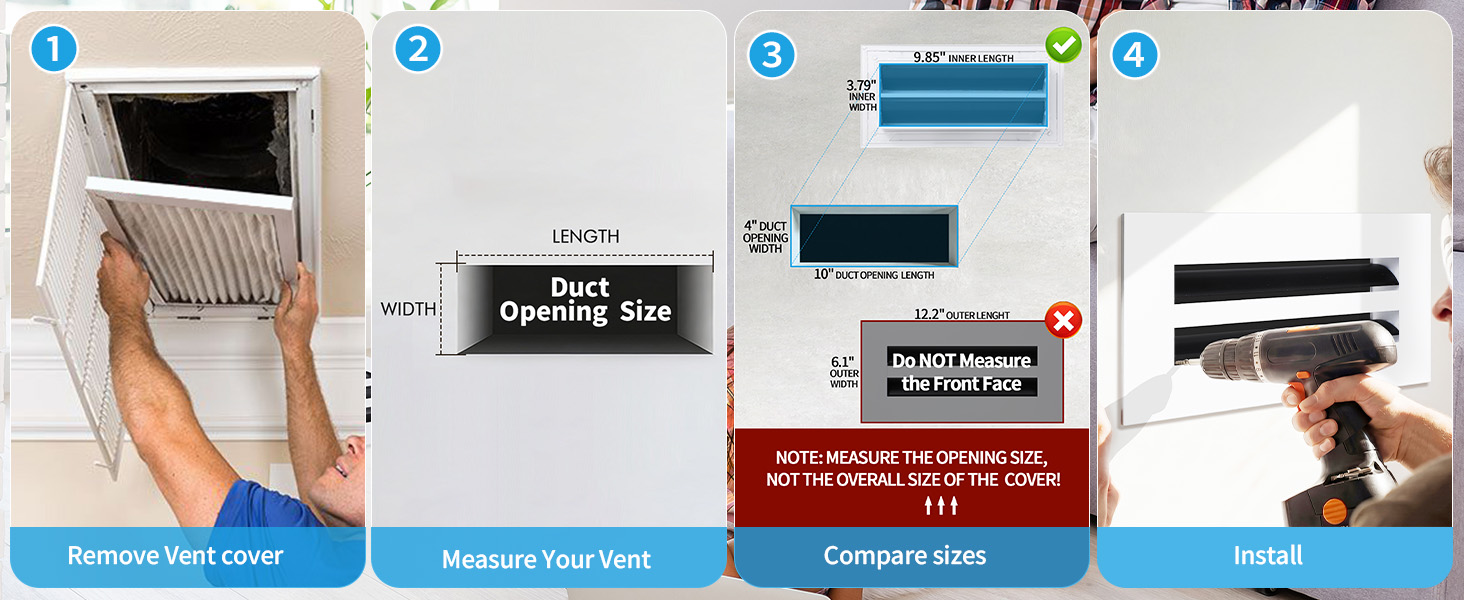
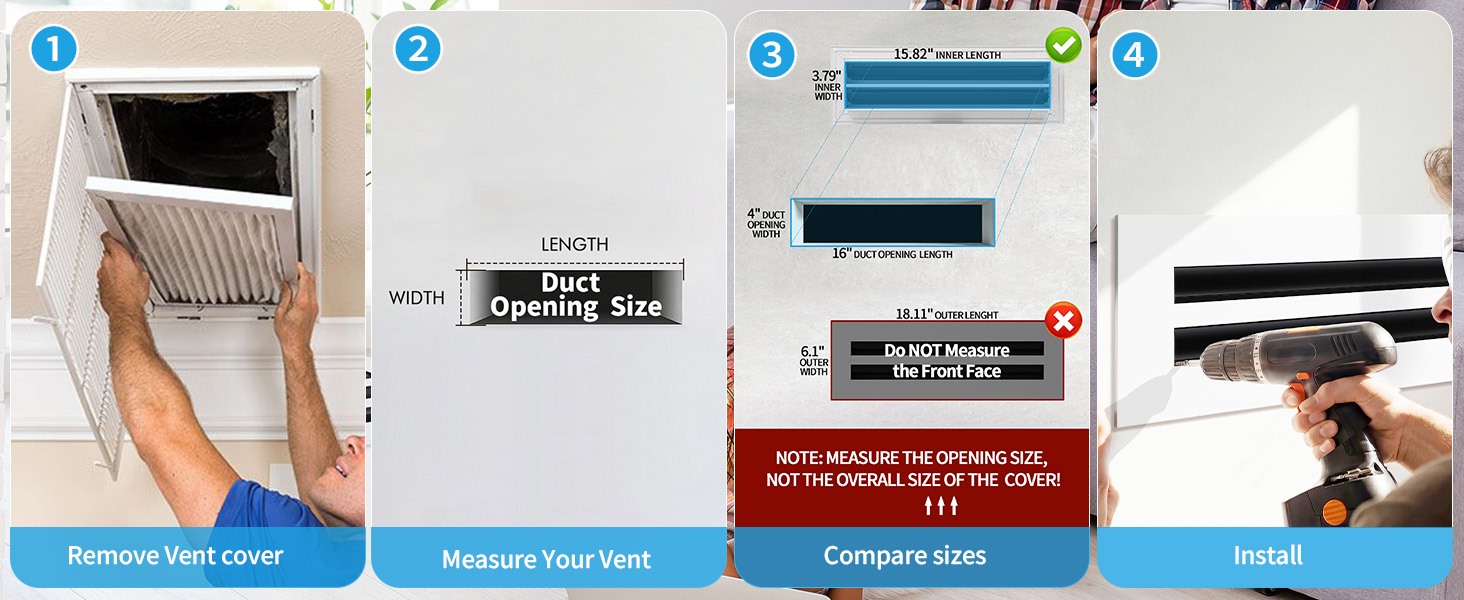
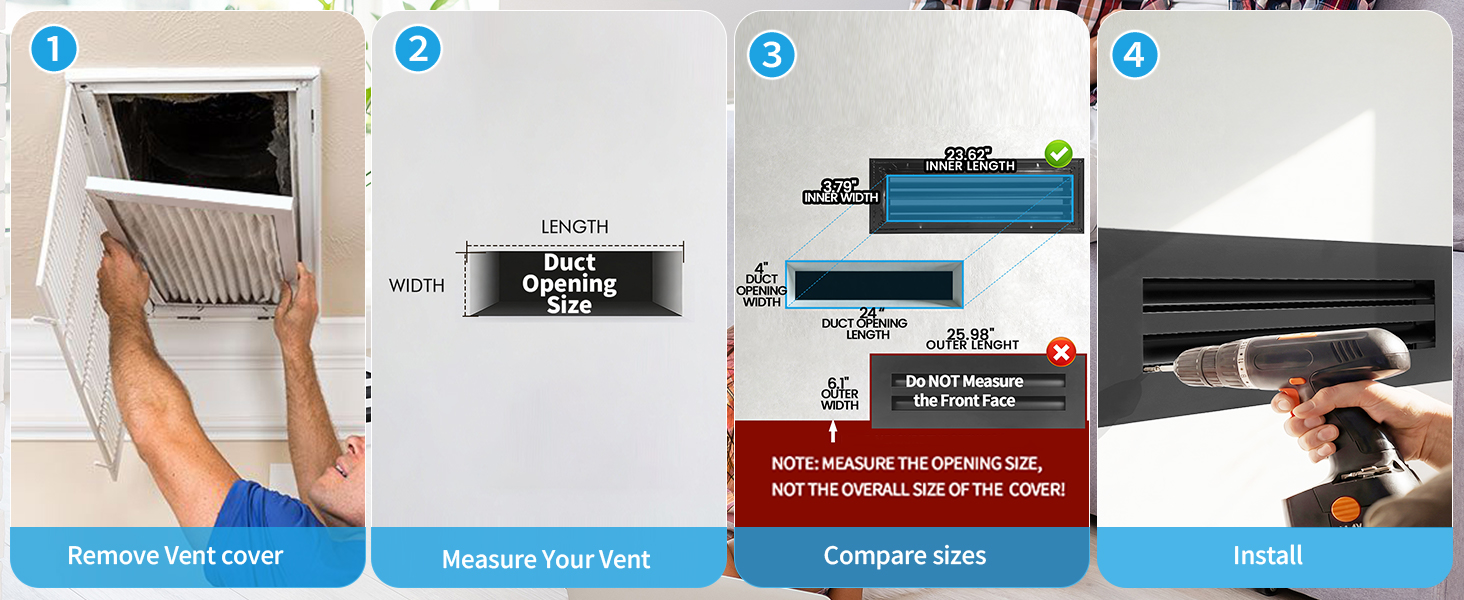
Example: Finish Change, Same Size
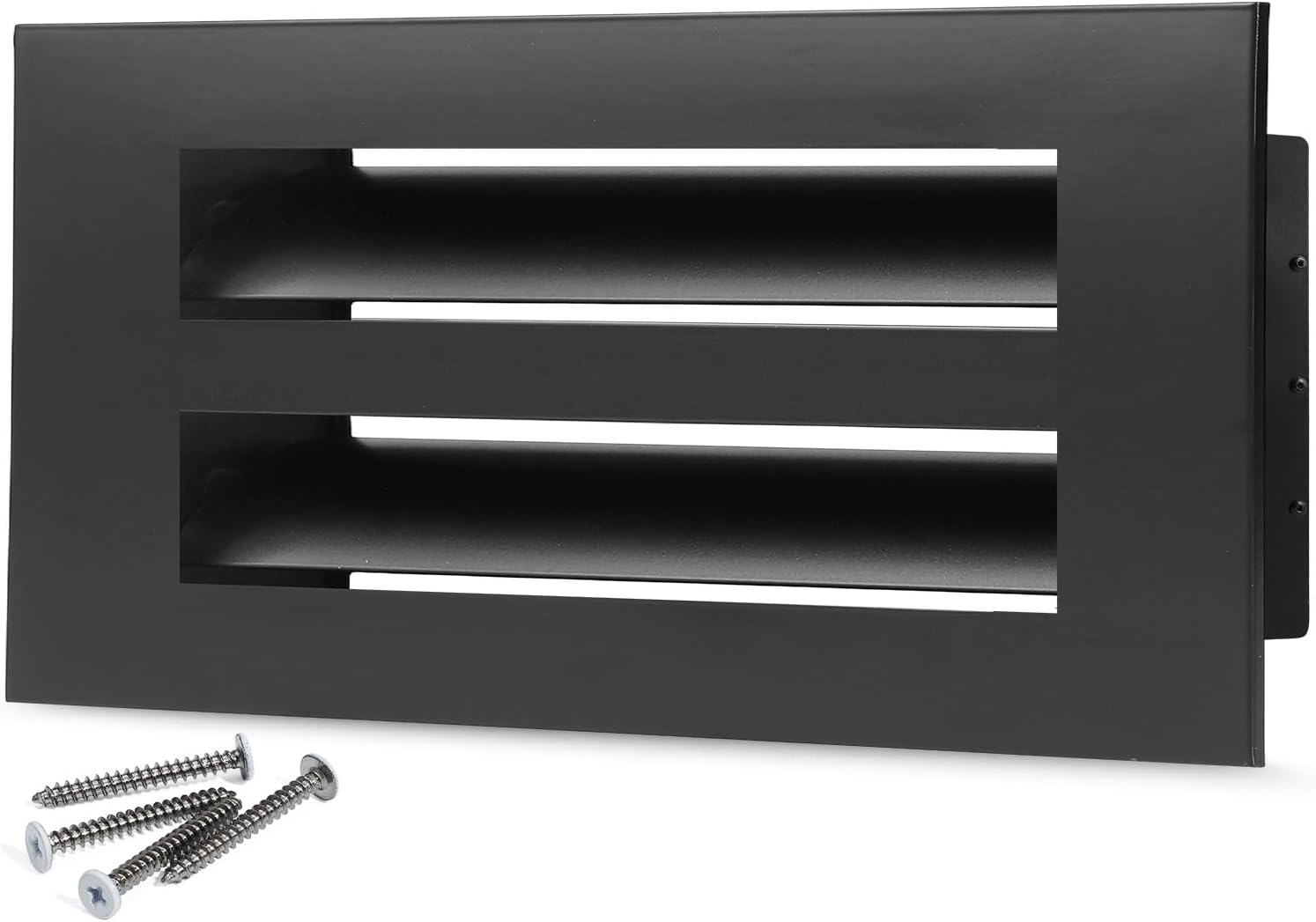
Same opening size family; different finish photography. See White and Black FAQ.
What Images Cannot Tell You
- The exact clear opening in your drywall or boot.
- Whether your opening is damaged or out of square.
- Whether a Pending Size+Color is buyable (it is not, on this site).
Recommended Photo Workflow
- Measure the opening and write width × height.
- Open the matching size on the catalog.
- Confirm gallery finish matches White or Black.
- Confirm How-to-Measure module matches that size family.
- Only then use BUY ON AMAZON on a Confirmed row.
Buyer Checks
- Size+Color text on the page matches your notes.
- You measured the opening first (measure FAQ).
- Status is Confirmed — Pending is not a public buy path (Pending FAQ).
- How-to-Measure module family matches the size you selected.