Resource · Selection
Choose Size and Color Independently
Size matches the opening. Color is a finish choice. Use this workflow so you do not mix the two decisions when shopping SOKNOCKK vent covers.
Quick Answer
Measure and lock Size first, then choose White or Black. The same size family keeps the same opening dimensions regardless of finish.
Why Independence Matters
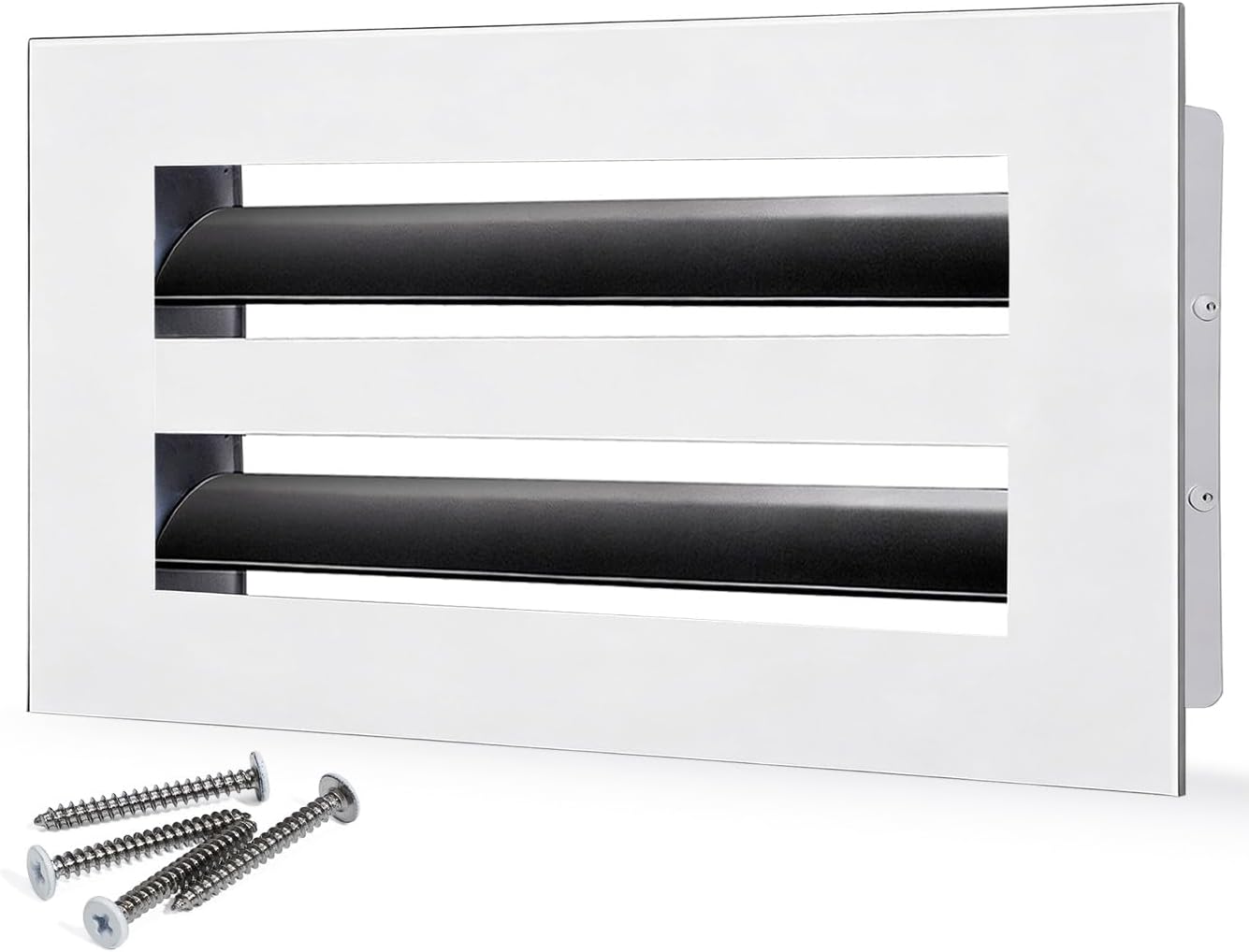
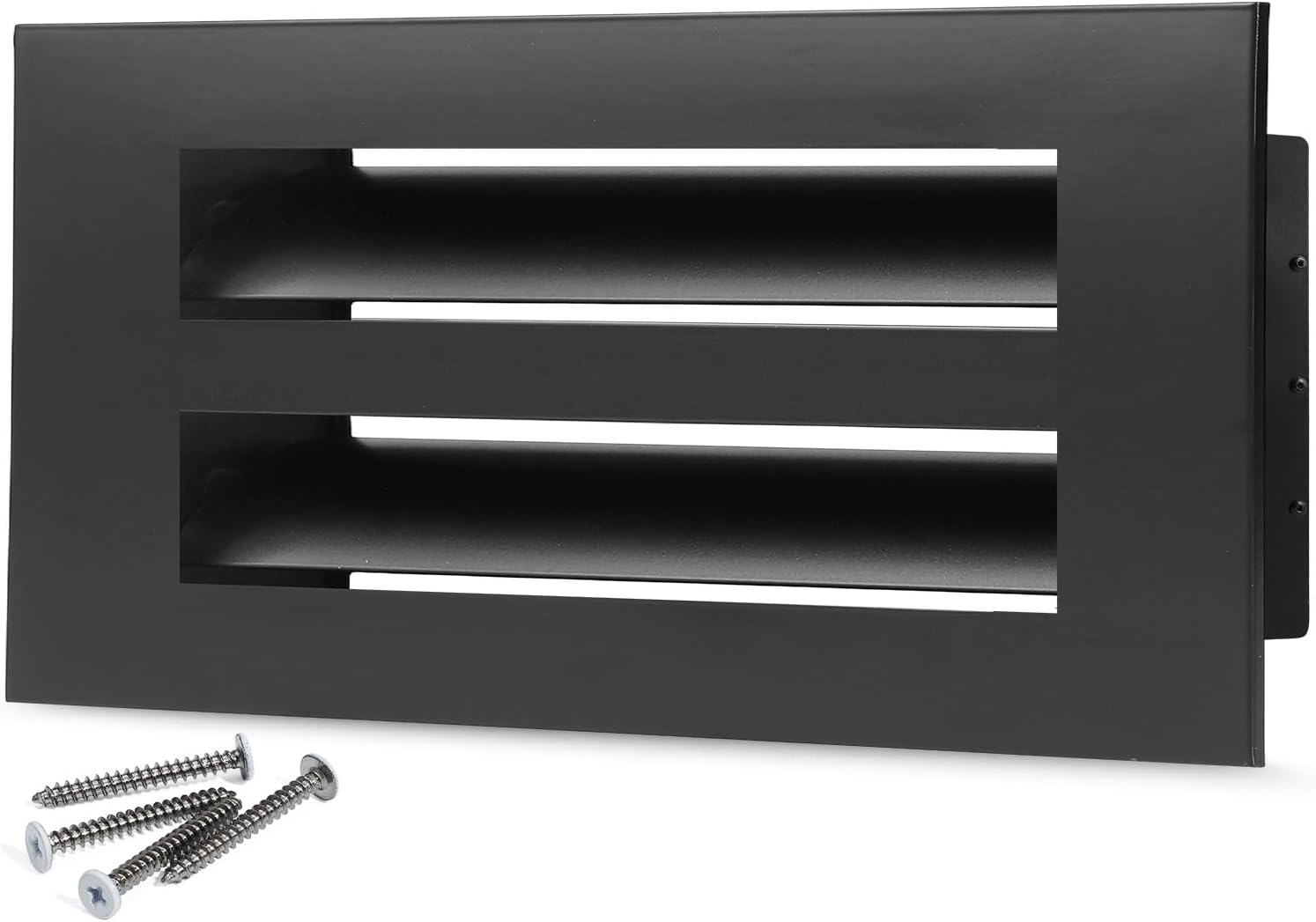
Homeowners often shop by photo mood — “I want the black one” — before they know the opening. That skips the fit decision. SOKNOCKK listings are Size+Color pairs: changing finish does not enlarge or shrink the opening. See White and Black — does color change the opening size?.
Size Decision
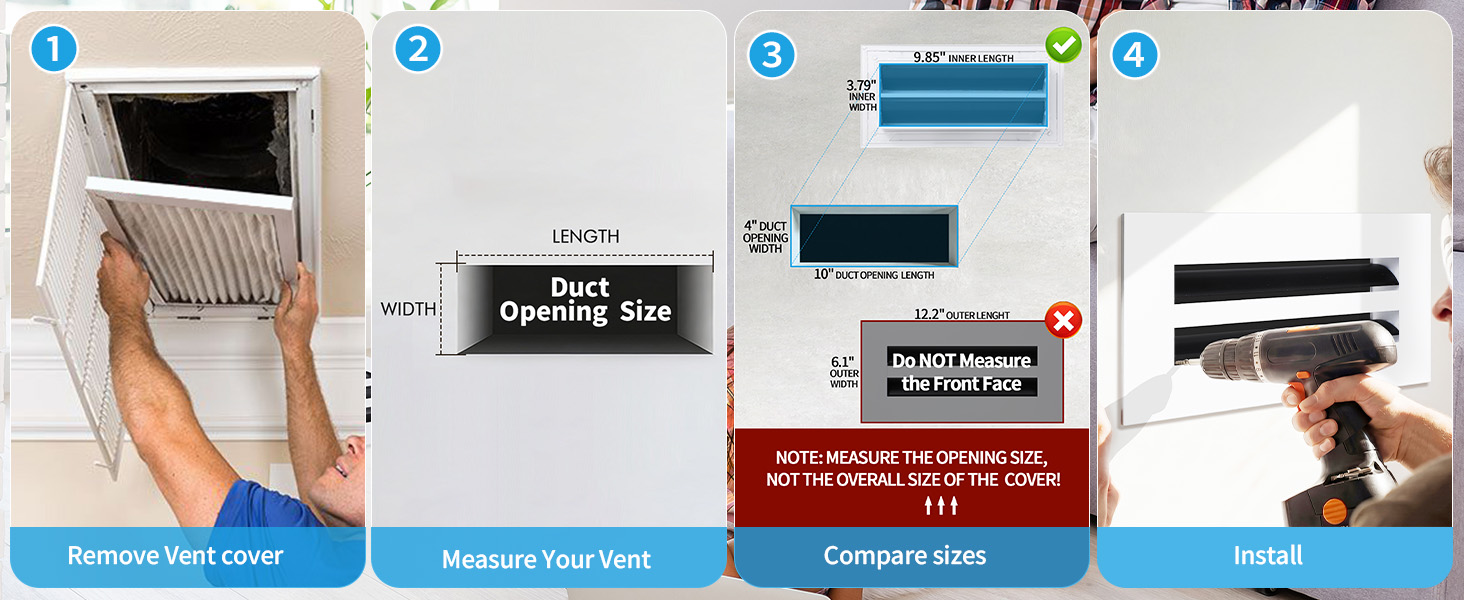
- Measure the opening (Measure the Duct Opening First).
- Resolve nominal vs actual questions (Nominal vs Actual).
- Pick the closest catalog size on Vent Covers.
- Cross-check the size-specific How-to-Measure module on Confirmed product pages.
Color Decision
After size is fixed, choose White or Black to match trim, ceiling, or millwork. Compare Confirmed photography for that Size+Color — a White photo is not a Black listing.
Printable Size+Color pairing sheet
Use one row per opening. Measure the clear opening first (width × height). Write the matching catalog size in a separate column — do not treat the measured opening and the product’s labeled size as the same field. Choose White or Black only after the catalog size is known. Mark a pair Confirmed only when that exact Size+Color exists on Vent Covers; otherwise mark it Not verified / Needs confirmation. Rows below are blank for printing — they are not an inventory list.
Blank worksheet (print or copy)
| Room / location | Measured opening (W × H) | Catalog size (product label) | Color (White / Black) | Qty | Notes (sightline, Not verified / Needs confirmation, etc.) |
|---|---|---|---|---|---|
How to fill one row (example pattern only)
- Room / location — e.g. “hallway ceiling, near stairs”.
- Measured opening — tape the clear opening; write W × H in inches.
- Catalog size — the size label on the product page that matches that opening (often the same numbers, but confirm on the listing).
- Color — White or Black for that size, only if Confirmed.
- Qty — how many identical openings share this row.
- Notes — shared sightline rule, or Not verified / Needs confirmation if the pair is not Confirmed on the catalog page.
Confirmed Size+Color examples (optional reference — not stock)
These public Confirmed pairs illustrate how to record an exact size and color. They do not imply every size has both finishes, and they do not promise availability.
| Catalog size | Color | Status | Product page |
|---|---|---|---|
| 6×4 | White | Confirmed | 6×4 White |
| 8×4 | White | Confirmed | 8×4 White |
| 8×4 | Black | Confirmed | 8×4 Black |
| 10×4 | White | Confirmed | 10×4 White |
| 10×4 | Black | Confirmed | 10×4 Black |
Shopping Sequence
| Step | Action | Done when |
|---|---|---|
| 1 | Measure opening | Width × height written |
| 2 | Select size row | Catalog size chosen |
| 3 | Select finish | White or Black chosen |
| 4 | Confirm buy path | Confirmed → Amazon CTA |
Examples
| Situation | Correct order |
|---|---|
| Want Black finish, opening ~10×4 | Confirm 10×4 first, then Black |
| Like a photo of a long linear White cover | Measure your opening; do not copy the photo size blindly |
| Need help on an unmapped finish | Use Contact or quote — do not invent a buy path |
Confirmed vs Pending
Only Confirmed Size+Color combinations expose BUY ON AMAZON on this site. Pending means that pair is not offered as a public purchase path here — see Amazon Link Pending FAQ and Confirmed Sizes Purchase on Amazon.
End-to-End Walkthrough
- Tape the opening; write width × height.
- Resolve label vs tape using Nominal vs Actual if needed.
- Open the size on Vent Covers.
- Confirm the How-to-Measure module matches your family.
- Select White or Black on that same size.
- Verify Confirmed status before BUY ON AMAZON.
Selection Pitfalls
- Shopping from a mood photo of a different size.
- Assuming every finish exists as Confirmed for every size.
- Changing size to chase a finish.