SOKNOCKK FAQ
What if my vent opening falls between two SOKNOCKK catalog sizes?
A decision guide when your measured opening does not land cleanly on one listed Size.
Quick answer
Do not automatically order the nearest SOKNOCKK catalog Size when your measured opening falls between two Size options. Re-check width and height at the clear opening, compare both candidate sizes against Face and Neck references for the exact Size+Color you are considering, and evaluate mounting support. Near-nominal readings are not proof of compatibility. If neither listed Size fits without forcing, damaging the opening, or guessing, use a Custom Size Inquiry or installer review—inquiry is not production approval.
Why “closest Size” is a weak shortcut
Catalog Size labels follow the opening you intend to cover. A measurement that sits between two listed sizes can mean the opening is irregular, the old face label was wrong, or the boot edge is not square. Ordering the larger face may overhang without solid screw engagement; ordering the smaller face may leave gaps or fail to cover the cut. Adjustable blades and White/Black finish do not change Size.
Start again with How to Measure Your Vent Opening, then review How do I choose the right vent cover size? and the nominal-versus-actual reference.
Decision steps when you are between sizes
| Step | Action | Stop if… |
|---|---|---|
| 1 | Remeasure clear opening width × height after safe removal | You cannot safely access the opening |
| 2 | List the two nearest catalog Sizes and the Color you want | Only Pending rows exist for the needed combination |
| 3 | Compare each Size to Face/Neck notes on the dimension reference card | Numbers conflict or captions do not match the Size+Color |
| 4 | Dry-check coverage and screw edge on the real opening | Edge is damaged, thin, or cannot take concealed screws |
| 5 | Choose a Confirmed Size+Color only if both fit and mount checks pass | Either Size requires forcing, trimming structure, or guessing |
| 6 | Otherwise route Custom Size Inquiry or installer review | You need a committed quote before photos/dimensions are ready |
Use the Confirmed Size and Color dimension reference card for checked examples such as Confirmed 10×4 White, 16×4 White, or 24×4 Black—treat each as that combination only.
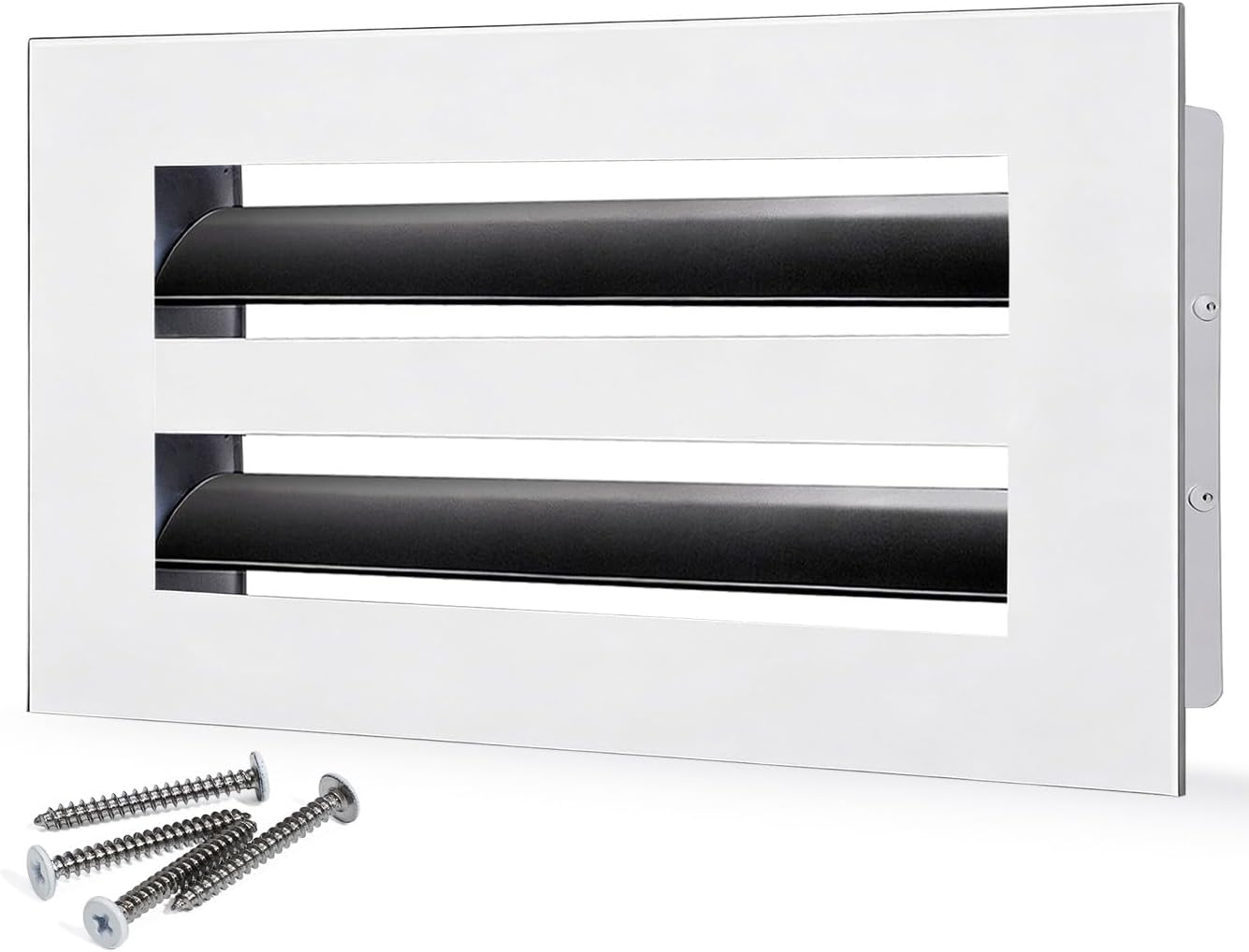
Confirmed 10×4 White — example Size+Color only; not permission to stretch dimensions.
Confirmed, Pending, and Custom Inquiry in a between-size case
Confirmed means the Size+Color combination is documented. It is not stock, ETA, or guaranteed fit. Pending is not a ready-to-buy Amazon path. If no listed Size works, submit measured dimensions, photos, finish preference, and quantity through Custom Products or Contact. That inquiry can request closest-catalog guidance or special-request review; it does not by itself prove any length is manufacturable, priced, or scheduled.
For path language, see Standard Catalog Sizes vs Custom Size Inquiries and the Confirmed and Pending purchase-path matrix.
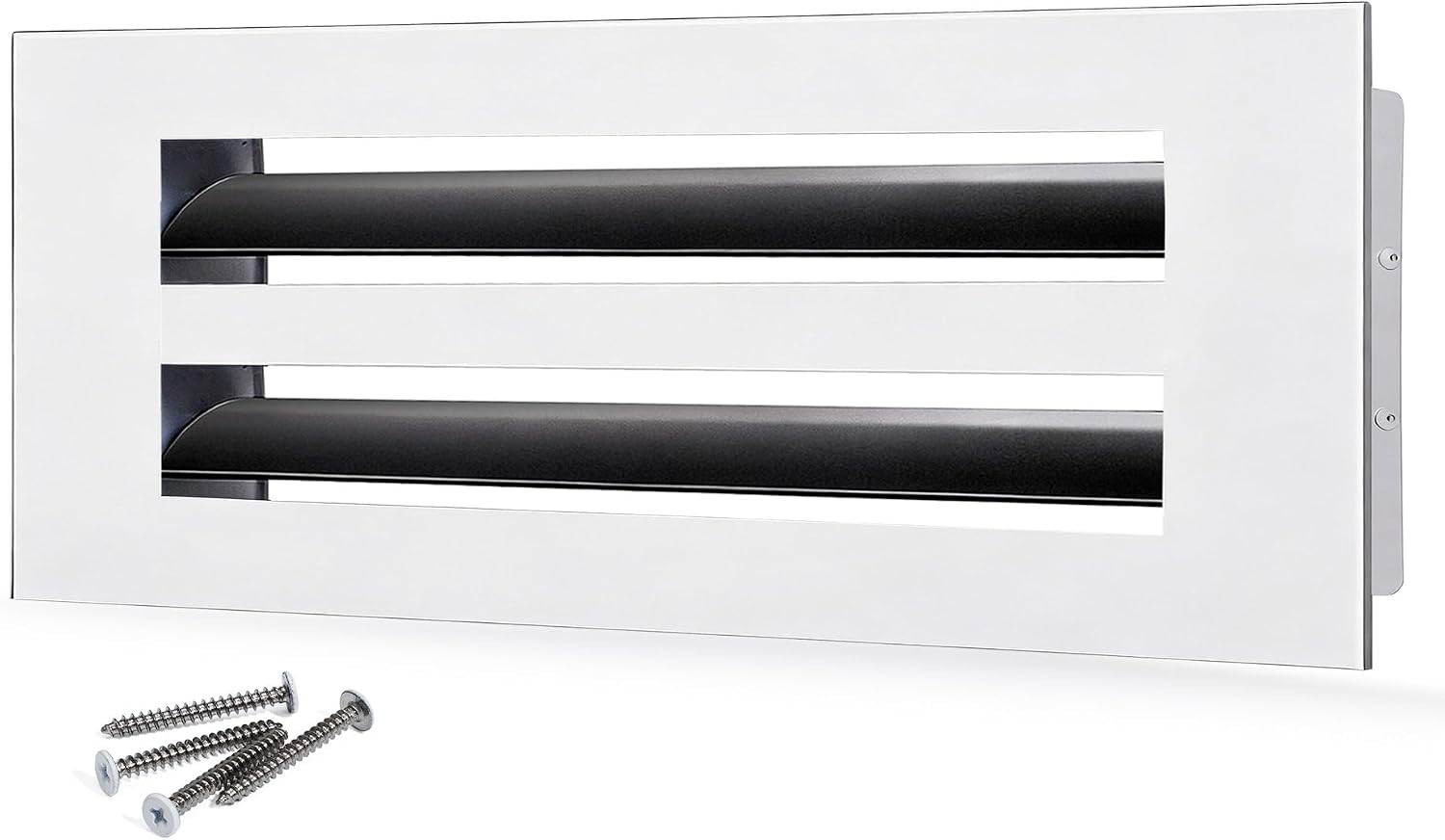
Confirmed 16×4 White — compare this Size only against your measured opening.
When installer review outranks catalog picking
If the opening is out of square, the perimeter cannot hold screws, the boot was relocated, or coverage would require cutting structure, mark the case as installer/HVAC review on the retrofit compatibility decision matrix. A face cannot solve a boot or framing problem.
Bottom line
Between-size openings need remeasurement, Face/Neck comparison, and honest mount checks—not a nearest-Size guess. Order a Confirmed Size+Color only when fit is verified; otherwise inquire or call for professional review before checkout.