SOKNOCKK resource worksheet
Whole-Home Vent Cover Order Tally
Record every opening’s size, color, and quantity before you place one consolidated order. Work room by room, keep each opening separate, and use the final go/no-go check to catch missing details.
Important: This page does not save your entries. Print from your browser after completing the worksheet, or keep your own copy in your project folder.
Status meanings on this worksheet: Ready for order means you personally verified size, color, and quantity for that line. Needs verification means something is still incomplete. These worksheet labels are not the product catalog’s Confirmed / Pending listing status.
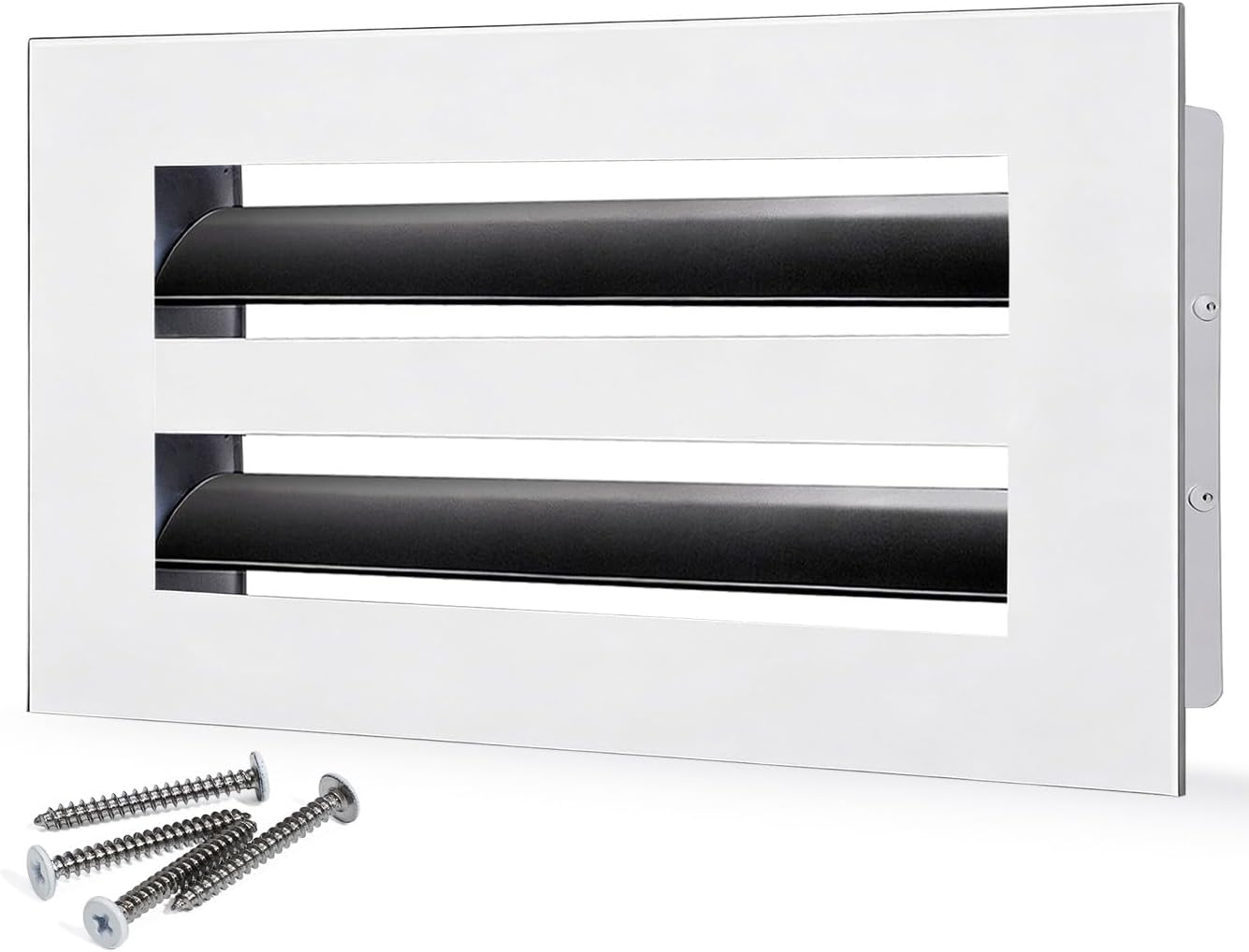
Catalog reference only: confirmed 10×4 White example. This photo does not represent 16×4 or 24×4 sizes.
Quick answer
Make one line for every opening. Enter the room or location, record the opening size exactly as measured, choose the requested finish, and enter the number of matching covers. Combine quantities only after you confirm that size, color, and vent role are identical. If any line is uncertain, mark it Needs verification and resolve it before ordering.
Whole-home tally
Use one row per opening or per group of openings that truly match. “Quantity” means the number of covers needed for that row. Keep a separate row when rooms differ, when one opening is a return and another is a supply, or when the existing faces are not the same size.
Opening 1
Opening 2
Opening 3
Opening 4
Before you order
Use the opening measurement guide when a dimension is missing, and review supply versus return identification when the vent role is unclear. The size FAQ explains why the opening measurement matters. For catalog choices, use the size and color combinations actually shown in the product listing. A confirmed 10×4 White image is a visual reference only; it does not prove that another size is available.
| Check | Go | No-go |
|---|---|---|
| Size | Width and height are recorded for every row. | Any row says “same as upstairs” or relies on memory. |
| Color | Each row names White, Black, or a color confirmed in the listing. | Color is inferred from an old, faded, or edited photo. |
| Quantity | Quantity equals the physical count of matching openings. | One total was entered without counting rooms. |
| Status | Every line is Ready for order and ready to match to a listing. | Any line remains Needs verification or has conflicting notes. |
| Fit question | Opening type, access, and existing hardware are understood. | You are assuming a decorative face replaces a damper or other component. |
How to use this tally on a real walkthrough
Start at the entry level and walk every finished room, including closets, hallways, bathrooms, and finished basements that have a supply or return opening. Write the room name before you leave that space so you do not merge two openings later. Keep supply and return on separate lines even when the opening size looks similar, because the face style and airflow role can differ. If a room has more than one opening, give each opening its own row instead of guessing a combined quantity.
When you need more than four openings, print a second copy of this page or duplicate the Opening 1 fields in your notes. Do not erase a Pending line to make room; resolve that line first. Use the same width-by-height order on every row so a later buyer or installer can match the list to the product listing without re-measuring from memory.
Print and keep a copy
After the go/no-go checks pass, use your browser Print dialog to keep a paper or PDF copy for your records. This worksheet does not save your entries on the server. Bring the printed tally to checkout or keep it beside the product listing while you confirm each size and color combination one line at a time.
Final order summary
When a line cannot be confirmed, pause the order and gather a clearer measurement or photo. A short, accurate list is more useful than a large order built on assumptions.